
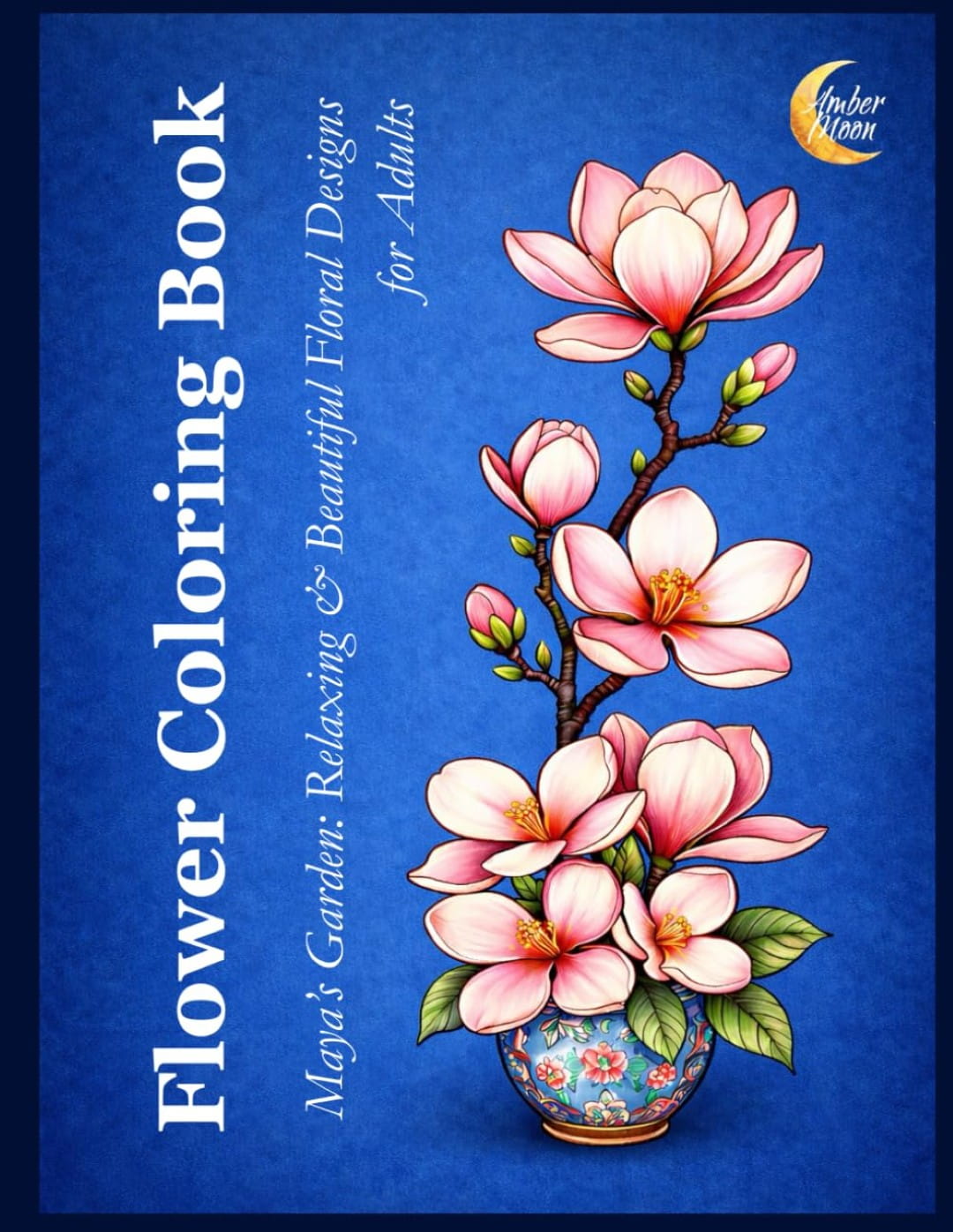
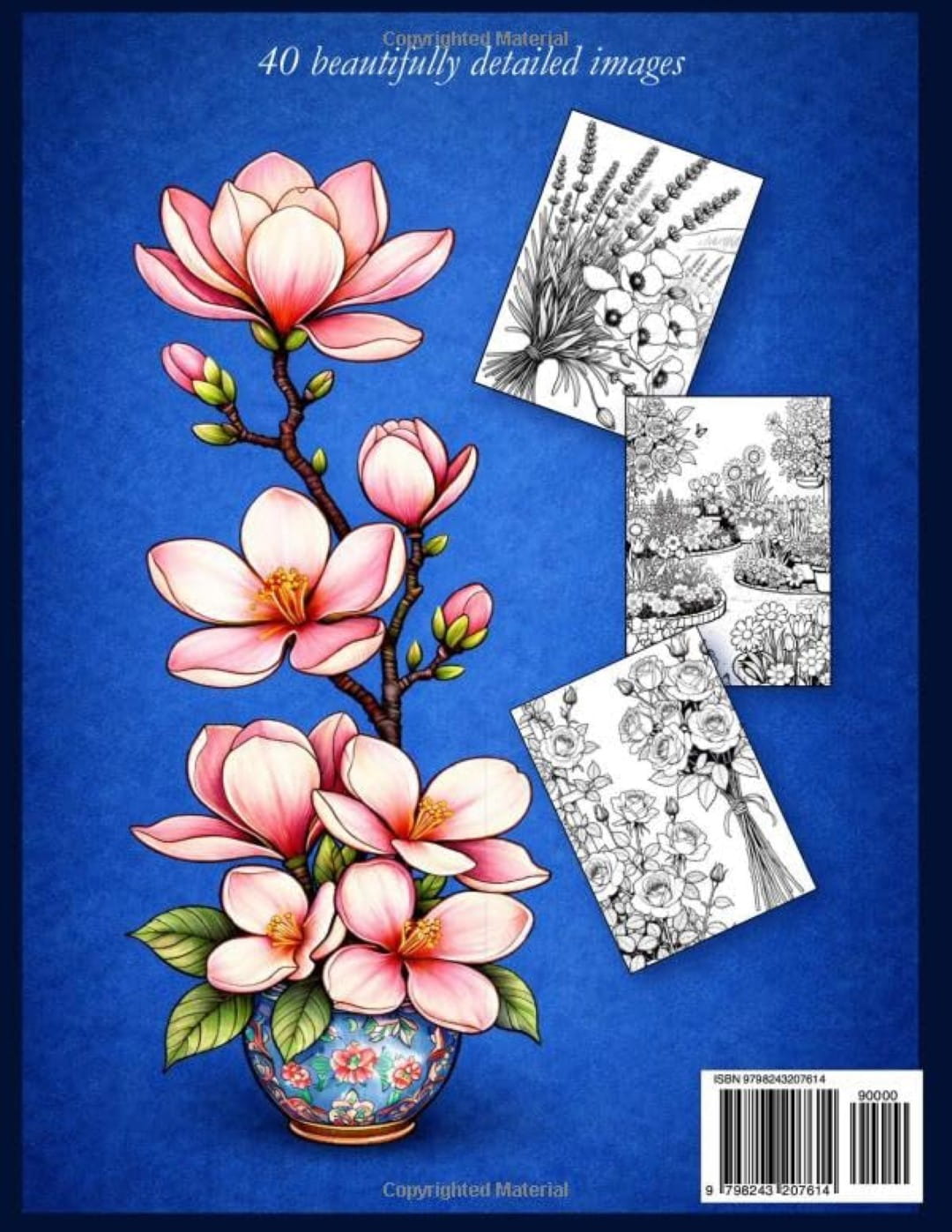
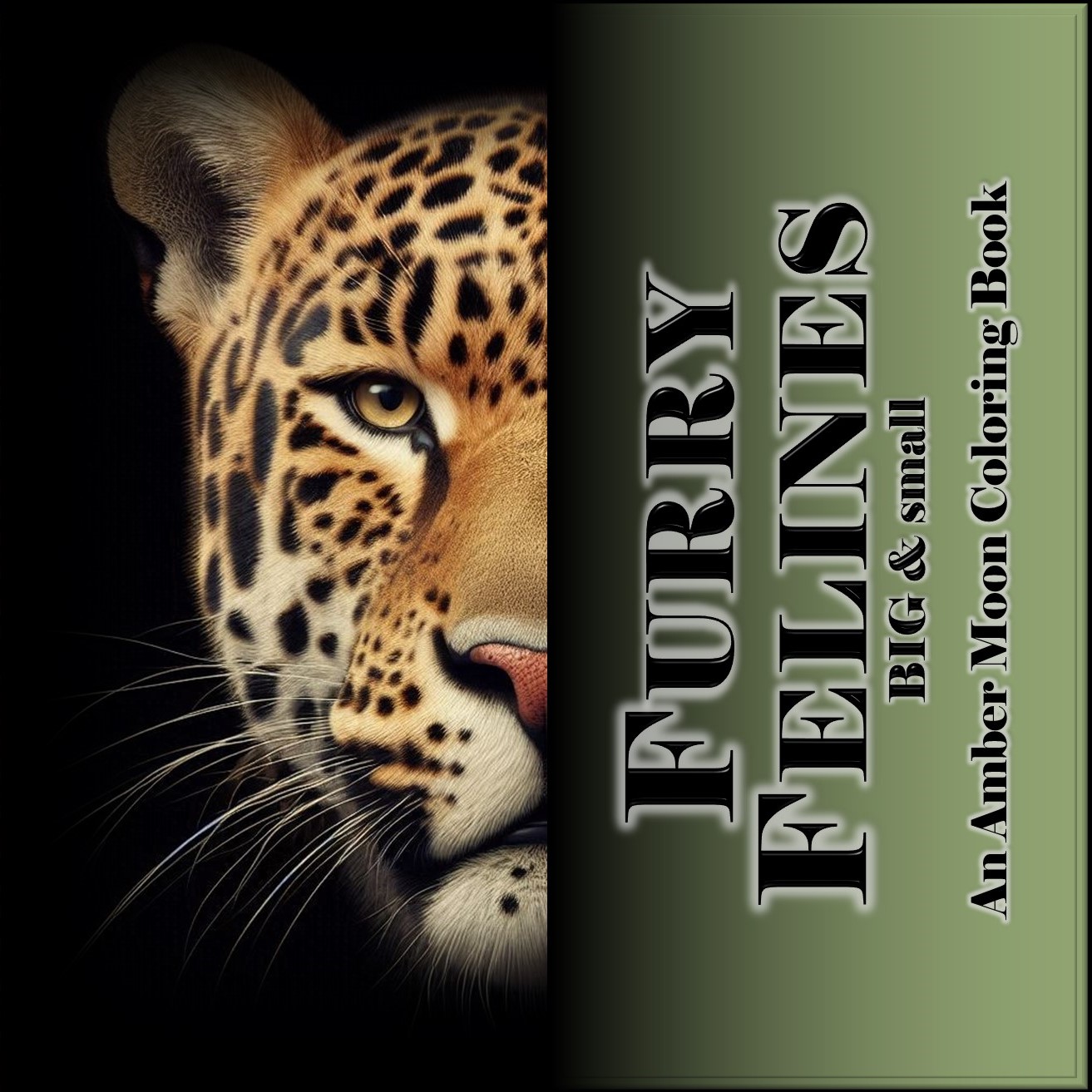
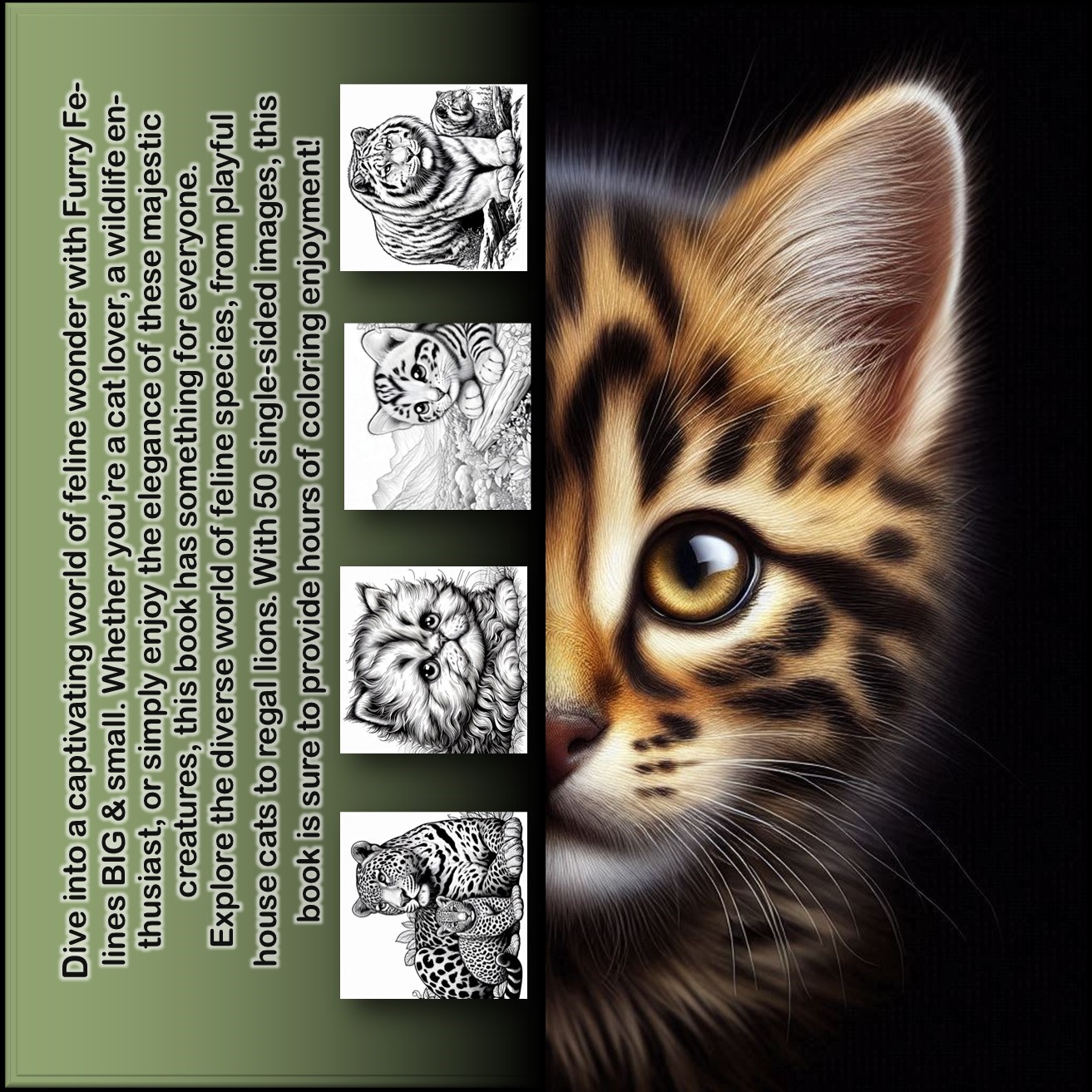
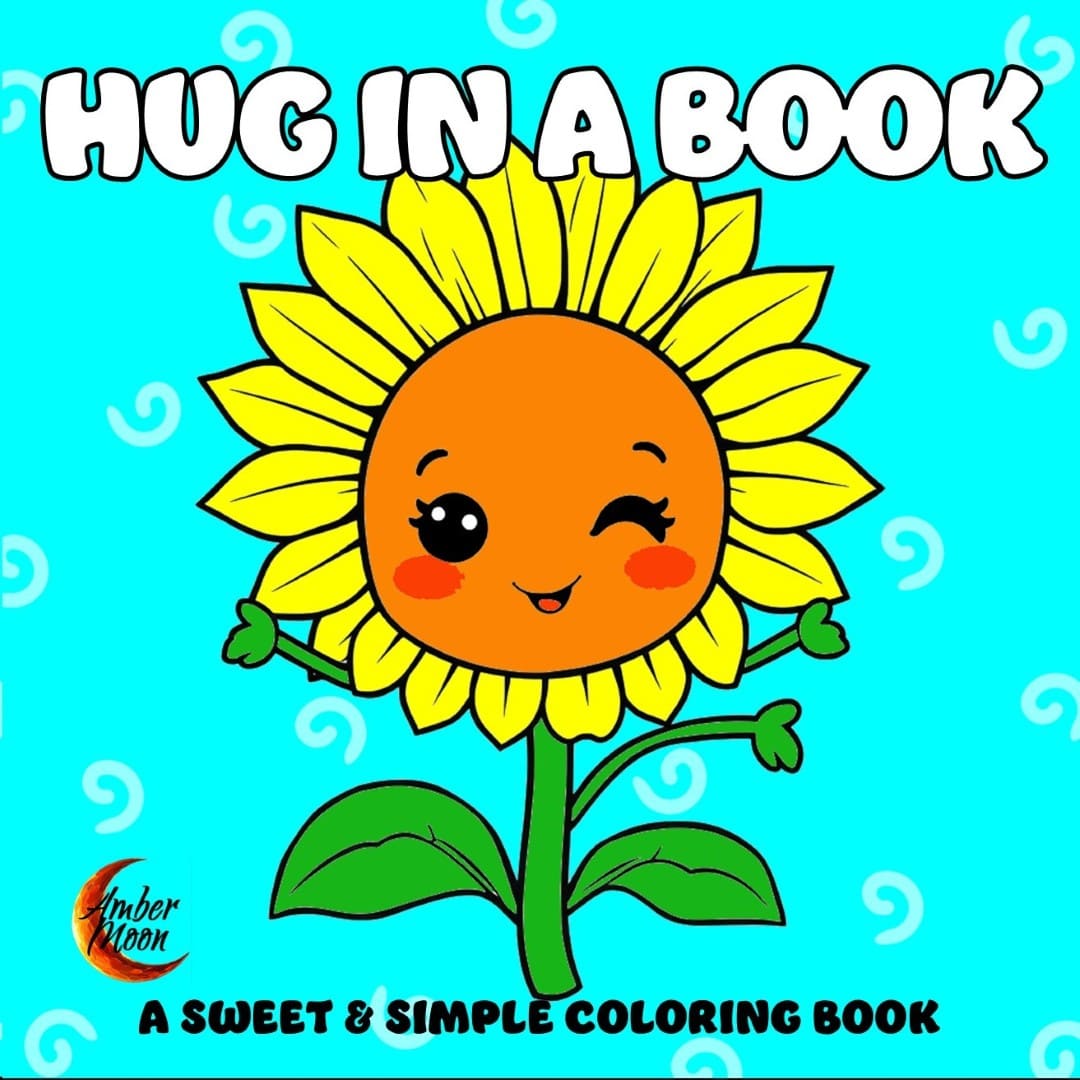
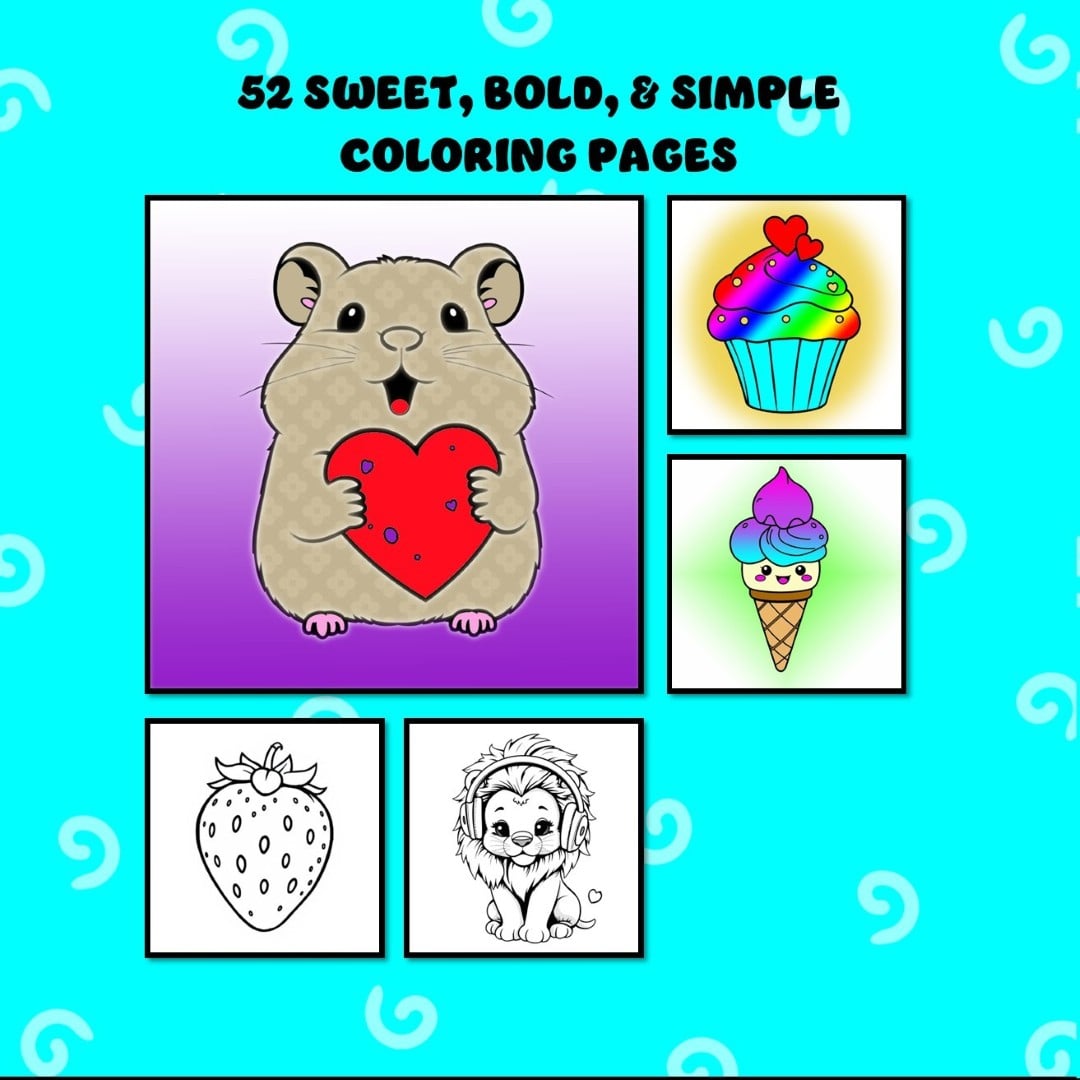
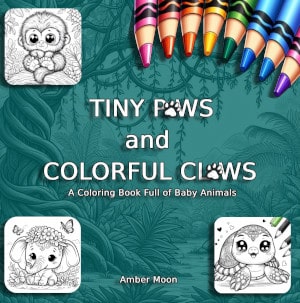
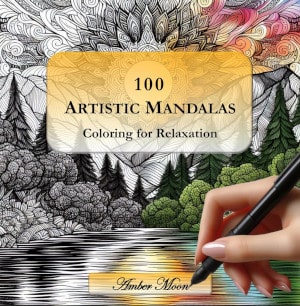
Comparing AI Image Generators for Coloring Book Creation
Whether you’re publishing on Etsy, Amazon KDP, or printing custom books, knowing which AI generates clean, printable line art can save hours of editing.
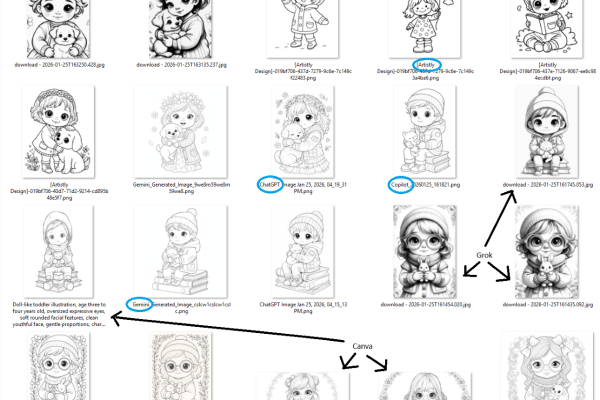
Recently, I created a short YouTube video where I experimented with using AI to generate images specifically for a coloring book project. I took the same set of prompts and tested them across multiple AI image platforms to see how each one interpreted the exact same ideas.
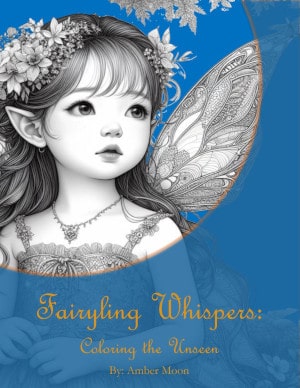
Although many of the characters are toddler-inspired, these images were not created for a children’s coloring book. They were intended for an adult coloring book, which usually means more detail, more texture, and artwork that keeps the coloring experience engaging.
In this post, I’m sharing what platforms I tested, what I learned along the way, and a few things I think coloring book creators should consider before jumping in.
Starting with Prompts: The Real Foundation
Everything started with ChatGPT helping me write prompts. The goal was to create descriptions that encouraged:
-
Clean black-and-white line art
-
A higher level of detail suitable for adult colorists
-
Clear outlines for printing
-
A soft, charming look without feeling overly juvenile
Those same prompts were then reused across all platforms to keep the comparison as fair as possible.
Decide These Things Before You Generate Images
One of the biggest lessons from this experiment is how important it is to decide a few things before you even start prompting:
-
What is the theme of your coloring book?
-
What are the dimensions of the book?
-
Do you want portrait, square, or landscape images?
When you know this ahead of time, you can prompt AI platforms to generate images in the proportions you actually need. That alone can save hours of resizing, cropping, and editing later.
Free vs. Paid Platforms: What I’m Using
Another important piece of context is what versions of these tools I’m actually using.
-
I’m using the free versions of ChatGPT, Microsoft Copilot, Google Gemini, and Canva.
-
We pay for Grok, which gives access to higher-quality generations.
-
Artistly.ai was a one-time lifetime purchase. If I remember correctly, it was around $49.
-
We also pay for Depositphotos, and we’ve had that subscription for quite a while.
I think this matters, because results can vary depending on whether you’re using free or paid tiers. What you see in my comparisons reflects what’s possible without investing heavily in monthly subscriptions across the board.
Platforms I Tested and What I Noticed
Google Gemini: Square Images Only
Gemini consistently generates square images. At least right now, it doesn’t appear to support portrait or landscape output through prompting.
That can work well for square-format coloring books, but it’s something to plan around if you’re designing a traditional portrait book.
ChatGPT & Copilot: Portrait-Friendly and Very Similar
Both ChatGPT and Copilot produced portrait-oriented images, which tend to work beautifully for standard coloring books.
Stylistically, these two feel very similar to me. If Gemini could produce portrait images, I think all three would be nearly interchangeable in terms of overall look and feel.
Canva AI: Orientation Control (and Long File Names)
With Canva, you choose your image orientation before generating, which gives you more control from the start.
One amusing quirk is that Canva often uses your entire prompt as the file name. It looks a bit chaotic in your downloads folder, but it’s actually helpful when tracking which prompt created which image.
Artistly.ai: A More Childlike Feel
Artistly’s images feel more storybook or child-oriented to me. That could make it perfect for a children’s coloring book, but maybe less ideal for adult coloring.
That said, this is very subjective. Some people may absolutely prefer this style, even for adult coloring books.
Grok: Visually Beautiful, Leaning Toward Grayscale
I personally really like Grok’s images. They’re expressive and visually rich.
However, I’ve had feedback from several people that grayscale-heavy images can be harder to color, and Grok’s style leans closer to grayscale than pure black-and-white line art. For some colorists, that’s a drawback. For others, it’s exactly what they enjoy.
Depositphotos: A Prompt-Length Learning Curve
At first, I thought Depositphotos wasn’t working because I had run out of image generations. It turned out the real issue was prompt length.
Depositphotos appears to have a strict character limit, likely just a couple of sentences. My longer prompts were being cut off, which caused the system to generate photo-style images instead of coloring book images. Those images also appeared with a delay and showed up only after refreshing the page.
Consistency Is More Important Than Variety
Once you decide on the style you like, it’s usually best to stick to one or two platforms for an entire coloring book.
Mixing too many generators can result in a book where the images don’t feel cohesive. Line weight, facial proportions, detail level, and overall mood all matter — especially for adult coloring books.
Final Thoughts and an Open Question
This experiment really reinforced that there’s no single “best” AI image generator for coloring books. The best tool depends on your audience, your vision, and your personal preferences.
I know a lot of people use MidJourney, and I haven’t quite bit the bullet and paid for that one yet. I’d be very interested in hearing what people think of it — especially for coloring book art.
I’d also love to hear about:
-
Other platforms you use
-
Tools that work especially well for adult coloring books
-
Tips for balancing detail with colorability
Feel free to share your experience. I’m still experimenting, still learning, and enjoying the process every step of the way ✨🖍️